




A focused fix for the moment that matters most in a draft. Patch 0.50.3 makes the BATTLE button tell you right away that your team is in, and makes sure a nervous second tap can never knock you out of a match that is already starting.
Fixed
BATTLE now shows that your team is locked in
Until now, tapping BATTLE on the team picker changed nothing you could see. The picker stayed open, the button looked the same, and the pick timer kept counting down while your device loaded the next screen. On a slower phone that could last long enough to make you wonder whether the tap had landed at all.
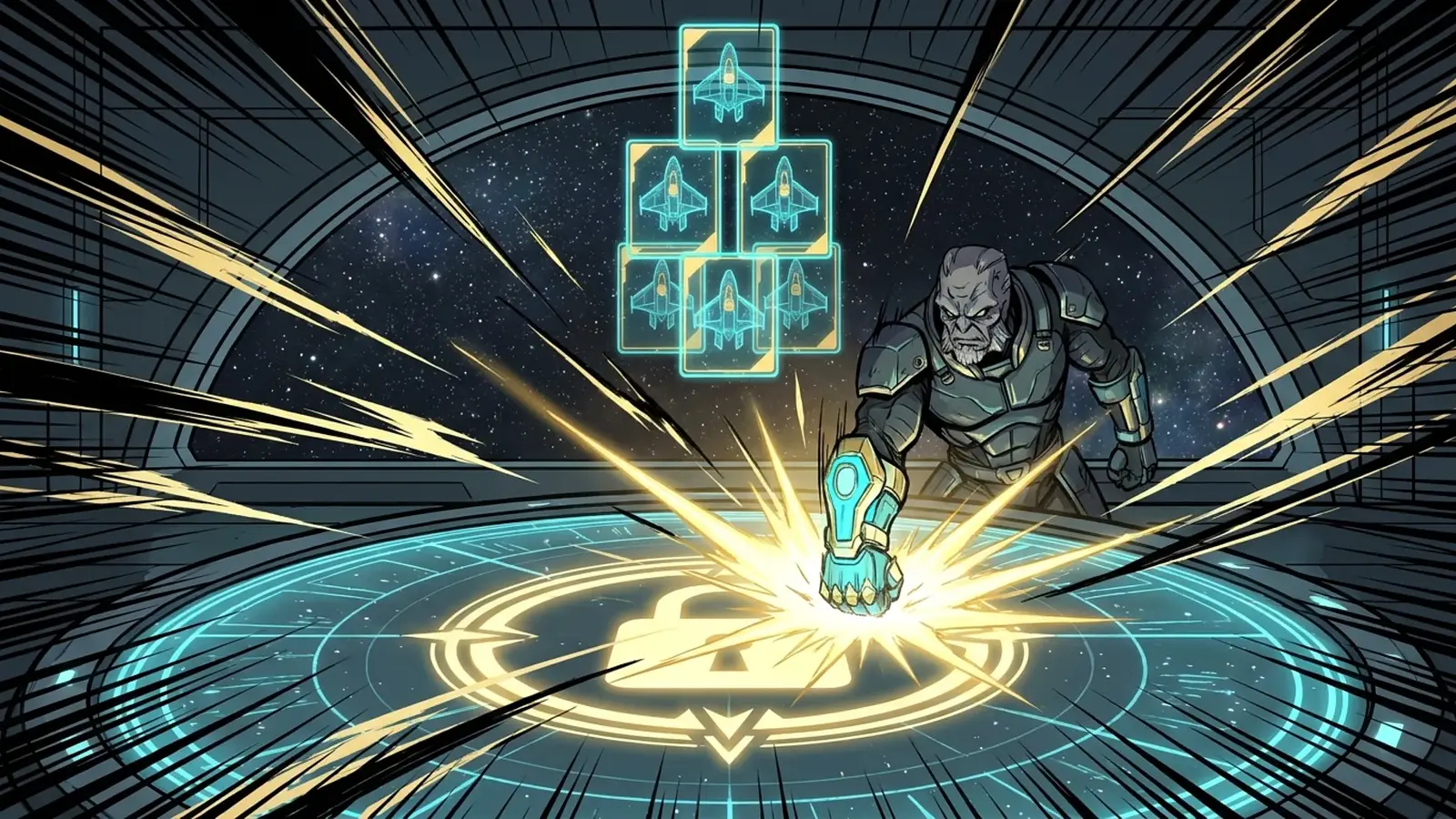
Now the button switches to Locked in the moment you tap it, with a soft pulse while your team is on its way, and a short line above your cards confirms that your team is locked in and the next screen is loading. The picker freezes, so a stray tap cannot swap a Fighter out of your lineup, and the on-screen pick timer stops counting down. It works the same in ranked and custom matches, in tournament games and in guild brawls. If your device asks for reduced motion, the pulse stays still and the Locked in label does the talking.
A second tap can no longer bounce you out of your match
Tapping BATTLE twice, or letting the pick timer run out right after your tap, could send your team a second time. If the first send had already started your match, the second one dropped you back on the Play page with a "Draft window has closed" message while your battle was actually underway. BATTLE now sends your team exactly once.
If sending really does fail, for example because your connection dropped, the picker unlocks, BATTLE comes back, the timer picks up again from your real deadline, and a short message asks you to check your connection and try again. Your lineup stays exactly as you built it.
Thanks to the player who sent us a screen recording of the long wait. It pointed us straight at the problem, so keep those reports coming.
Frequently asked
What changed in Patch 0.50.3?
Tapping BATTLE on the team picker now switches the button to Locked in right away, freezes your lineup and stops the on-screen pick timer while the next screen loads. A second tap can no longer send your team twice.
Which matches does the Locked in state cover?
Ranked and custom matches, tournament games and guild brawls. They all share the same team picker.
What happens if sending my team fails?
The picker unlocks, BATTLE comes back, the timer resumes from your real deadline and a short message asks you to check your connection and try again. Your lineup is kept as you built it.